Most problems show up in one of two places: a banner across the top of every portal page, or a message your assistant passes on from Caribooks. Messages meant for you come in English and French, separated by a slash. Here is what each one means and what to do.
A company needs reconnecting
The portal banner names the company and says it "needs to be reconnected to QuickBooks before the assistant can read it." Your assistant gets:
QuickBooks access for this company has expired or was revoked. Reconnect the company at https://caribooks.com/portal, then try again.
Intuit's access can expire, or someone revoked it from QuickBooks. Click Reconnect on the banner or on the company's card under Settings → Companies, sign in to Intuit and pick the same company. Its access level stays as it was. See Connect QuickBooks.
Trial ended or payment failed
When the trial is over, the banner reads "Your trial has ended. Subscribe to keep the assistant on your books." with a See the plans button, and your assistant gets "Your Caribooks trial has ended and connector access is paused."
When the last payment failed, the banner reads "The last payment failed. QuickBooks access is paused until the card is updated." with an Update card button, and your assistant gets "The last Caribooks payment for this account failed and connector access is paused."
If your plan has fewer places than the companies you have turned on, the assistant gets "Your subscription does not cover all connected companies." Open Settings → Billing to choose a plan or turn a company off. See Plans and billing.
For a company turned Off under Billing, the assistant says it "cannot use" the company, "which is turned off in this Caribooks account." Turn it back on under Billing, with no need to reconnect QuickBooks.
A change is refused as read-only
This QuickBooks connection is read-only. The account owner can enable write access for this company in the Caribooks portal.
The company is on Read-only. The account owner turns on Full access with the switch on its card under Settings → Companies. See Access and confirmations.
"No approval received"
This message comes from your assistant app, not from Caribooks. The app asked you to allow a tool and got no click, so nothing reached QuickBooks. Ask again and approve the prompt. In Claude, setting Read-only tools to Always allow stops the prompts for reading; leave Write/delete tools on Needs approval.
Your assistant cannot find Caribooks
If the assistant says it has no QuickBooks tools, or asks you to connect again, its link to Caribooks is gone or was switched off for that conversation. Open the assistant's connector or app settings, check that Caribooks is there and on, and connect it again if asked. You sign in with your Caribooks account and click Allow. Signing out of the portal does not disconnect your assistant. See Add Caribooks to your assistant.
If the assistant says "No QuickBooks company is connected to this Caribooks account", the connector works but no company is connected yet. Connect one under Settings → Companies.
"This authorization request has expired or was already used"
When you add Caribooks from your assistant before you have an account, the assistant opens an authorization page that stays valid for about ten minutes and works once. Creating your account and signing in can take longer than that. Go back to your assistant and connect Caribooks again: you are signed in now, so it takes one click.
The sign-in link does not work
The sign-in email holds a button and a code. Each works once. Some mail security filters (Outlook's Safe Links, for example) open every link in a message before you do. So the link first opens a page with a Continue button, and nothing is used up until you click it.
If the portal says "That sign-in link is invalid or expired", enter your email again to get a fresh link. You can also type the code from the email on the sign-in page instead of clicking the link. If it says "That code is wrong or expired", check the newest email or ask for a new one. See Account and sign-in.
The company is already connected elsewhere
A QuickBooks company can be connected to one Caribooks account only. If it is already on someone else's account, Settings → Companies shows Already connected elsewhere with the owner's name. Click Ask to join: the owner gets your request to add you to their team, it stays open 14 days, and we email you their answer. If your own account already holds companies, documents or a team, it cannot join another account yet; write to support@caribooks.com. See Team.
Other messages
- "QuickBooks is rate-limiting this company right now": QuickBooks got too many requests at once. Nothing was changed. Wait a few seconds and ask again.
- "QuickBooks rejected the request: ..." is QuickBooks' own reason. The assistant usually corrects its request and tries again.
- "QuickBooks call failed (reference ...)" is a failure on our side. Send us the reference.
Getting help
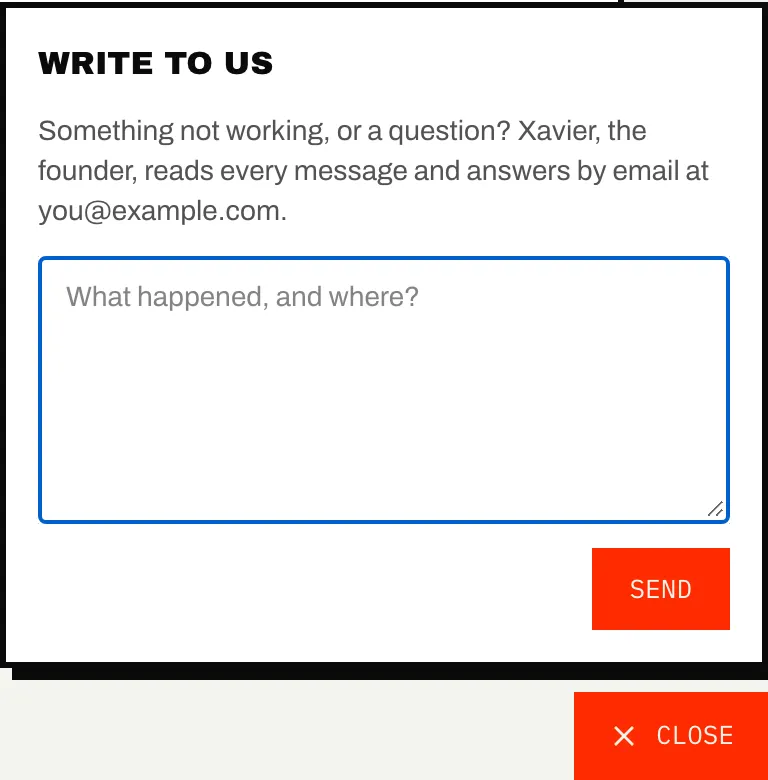
- Click Help at the bottom right of any portal page, write what happened and where, and click Send. The message reaches us with the page you were on, and the answer comes by email.
- Write to support@caribooks.com.
- Book a 30-minute demo at caribooks.com/en/demo to see the connector and Autopilot at work on our demo company.