Your account has two ways to take in documents without anyone opening the portal: a receiving email address and a drop link. Both put files in the document box.
Your address and drop link
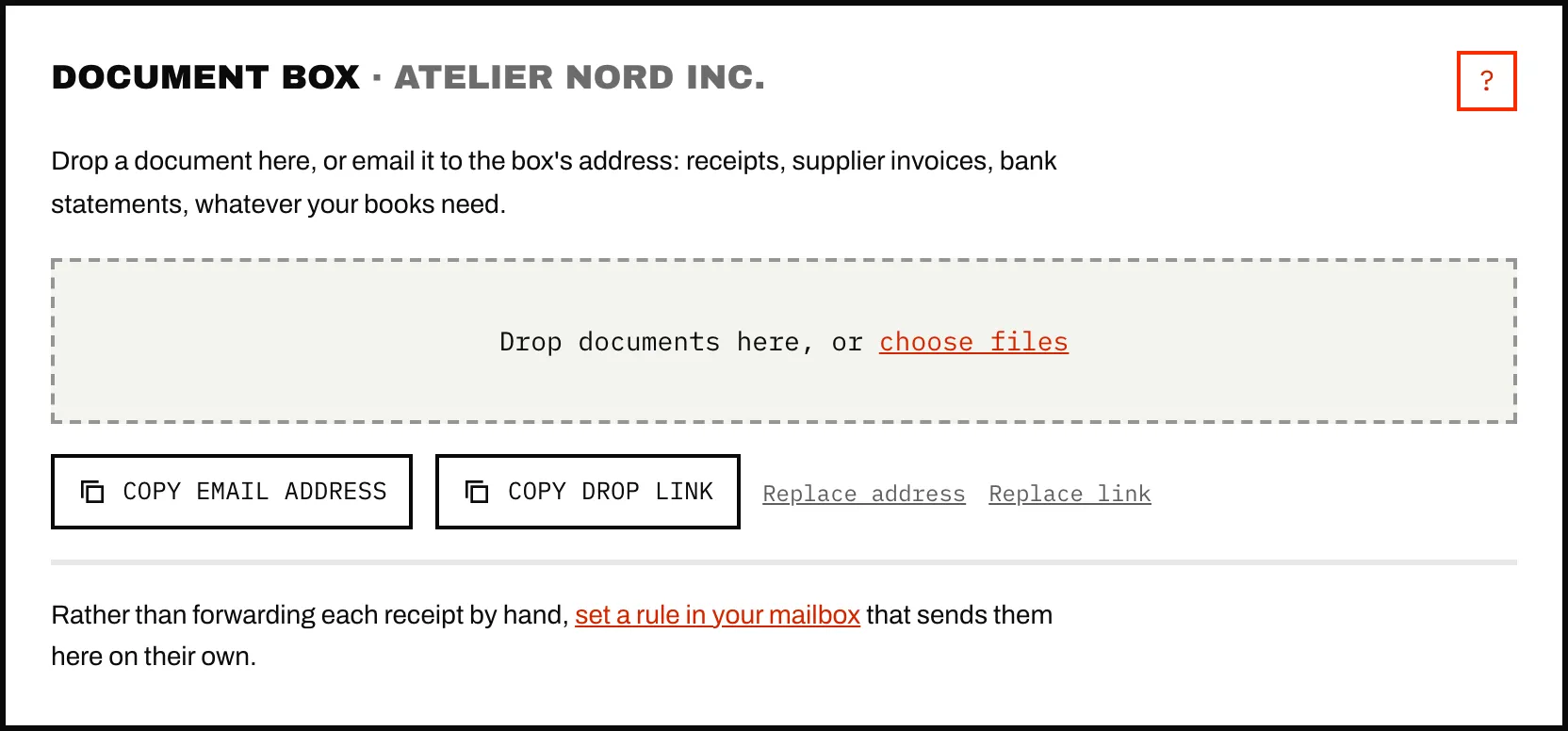
Open Documents. Under the drop zone, Copy email address copies the box's address, which looks like caribooks-a1b2c3d4e5f6@in.caribooks.com. Copy drop link copies a link to a page where anyone holding it can add files, with no account and no password.
What an email to the address brings in:
- every document attached to it (PDF, image, Word, Excel, CSV). Small inline pictures, such as logos and signatures, are left out;
- a message forwarded as an attachment (Outlook's Forward as attachment), which is opened and filed as if it had been forwarded inline;
- for an email with no file at all, the message itself, turned into a PDF, so a receipt that exists only as an email still counts.
The address works in To or Cc. Files over 50 MB are not kept: their row says so, and you add them another way.
The drop page lets someone drop files or take a photo. Once a batch is sent, it confirms how many documents were received and shows what was read on each one. On a phone, the page explains how to keep it on the home screen, which turns it into a one-tap receipt button for someone who is out spending.
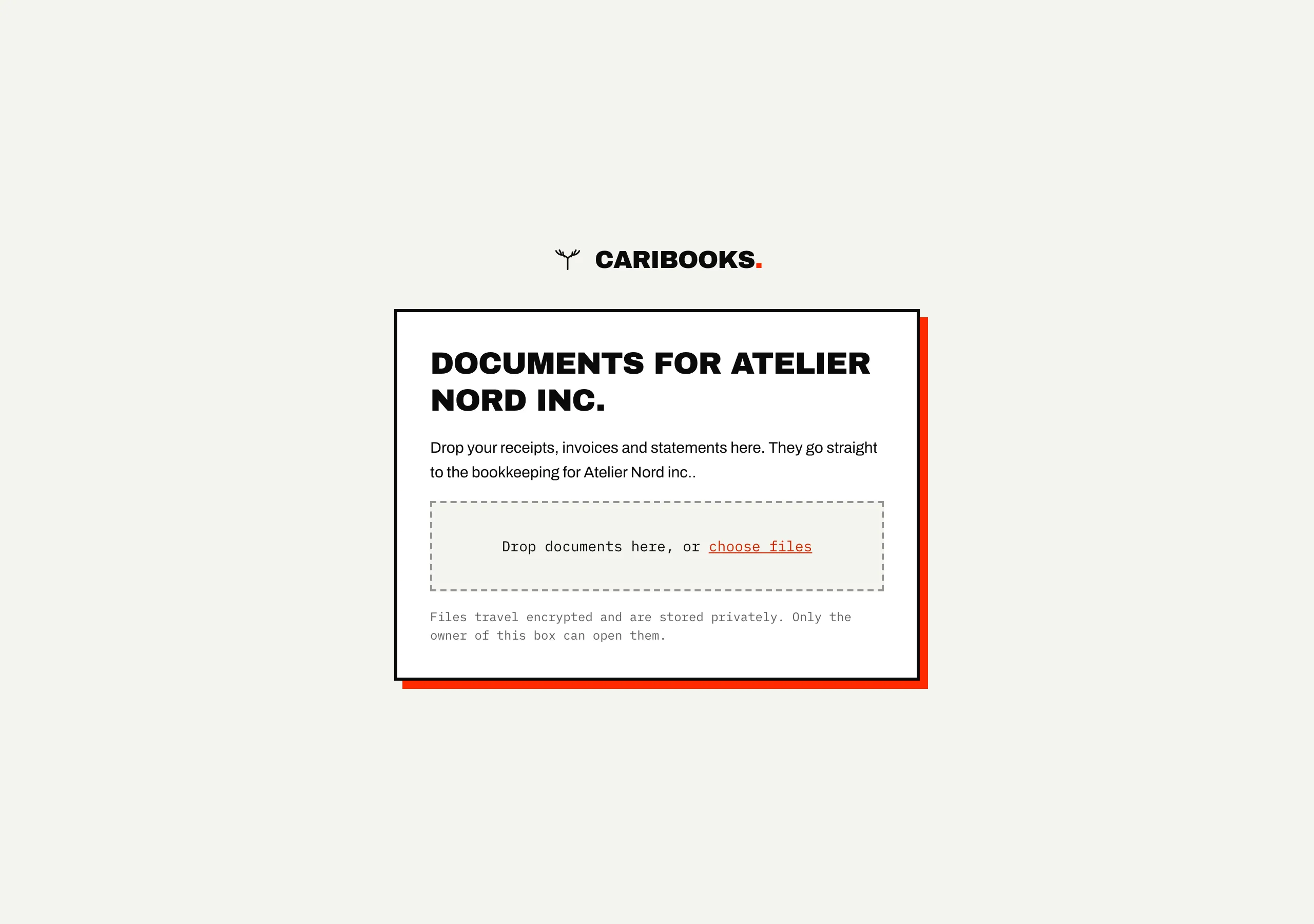
Each company's own address and link
In an account with more than one company, the account's address and link serve every company, and what comes through is sorted to the right one. Each company also has its own address and drop link. To get them, pick the company in the Company list at the top of the portal, then open Documents. The copy buttons now give that company's.
Files that come through a company's address or link belong to that company from the start and skip sorting. That is the only sure way to place a receipt that names nobody, such as a gas station slip. If the box held a file unsorted and the same file arrives again through a company's address or link, it goes to that company. A file already sorted stays where it is.
A company's drop page shows the company's name to whoever opens it. The account's drop link in an account with several companies names no company, so a firm's link never shows its client list.
Forwarding rules from Gmail or Outlook
Forwarding each receipt by hand works. A rule in your mailbox is less work: it sends your vendors' receipts to the box as they arrive. The guide Forward your receipts from Gmail or Outlook walks through both, step by step. A rule only acts on mail that arrives after you create it, so forward the last few weeks by hand once.
Gmail's confirmation code. Gmail does not forward anywhere until the destination confirms, which it asks for by email. Caribooks answers that email for you and never files it as a document. If Gmail still asks you for a code, the Documents page shows it: "If your mailbox asks for a confirmation code, it is …".
Microsoft 365 blocks forwarding by default. Many Microsoft 365 organizations refuse to forward mail to outside addresses. The rule saves and shows as on, but nothing arrives, and the bounce goes to the original sender rather than to you. Your administrator can allow outbound forwarding in the Microsoft Defender portal, for you alone if they prefer. The guide names the exact setting.
Replacing an address or a link
If an address or a link has gone further than it should, Replace address or Replace link gives you a new one. They act on whatever the page shows: the account's, or the selected company's.
- The old one stops working at once. Mail to the old address no longer arrives, and the old drop page says the link no longer works.
- Update your forwarding rules, and tell any vendor that sends to the old address. Gmail will ask you to confirm forwarding again.
- Documents already in the box stay.
Limits
- 50 MB per file, from any source.
- The same file sent twice is kept once.
- Drop links take up to 300 files a day per account. Past that, the page says "Too many files today. Try again tomorrow."
- A drop page tells the person dropping when a file was already in the box, never which of your documents it matched.
Ask your assistant
- "What arrived in my Caribooks document box today?"
- "Attach the receipts I forwarded this morning to their expenses."