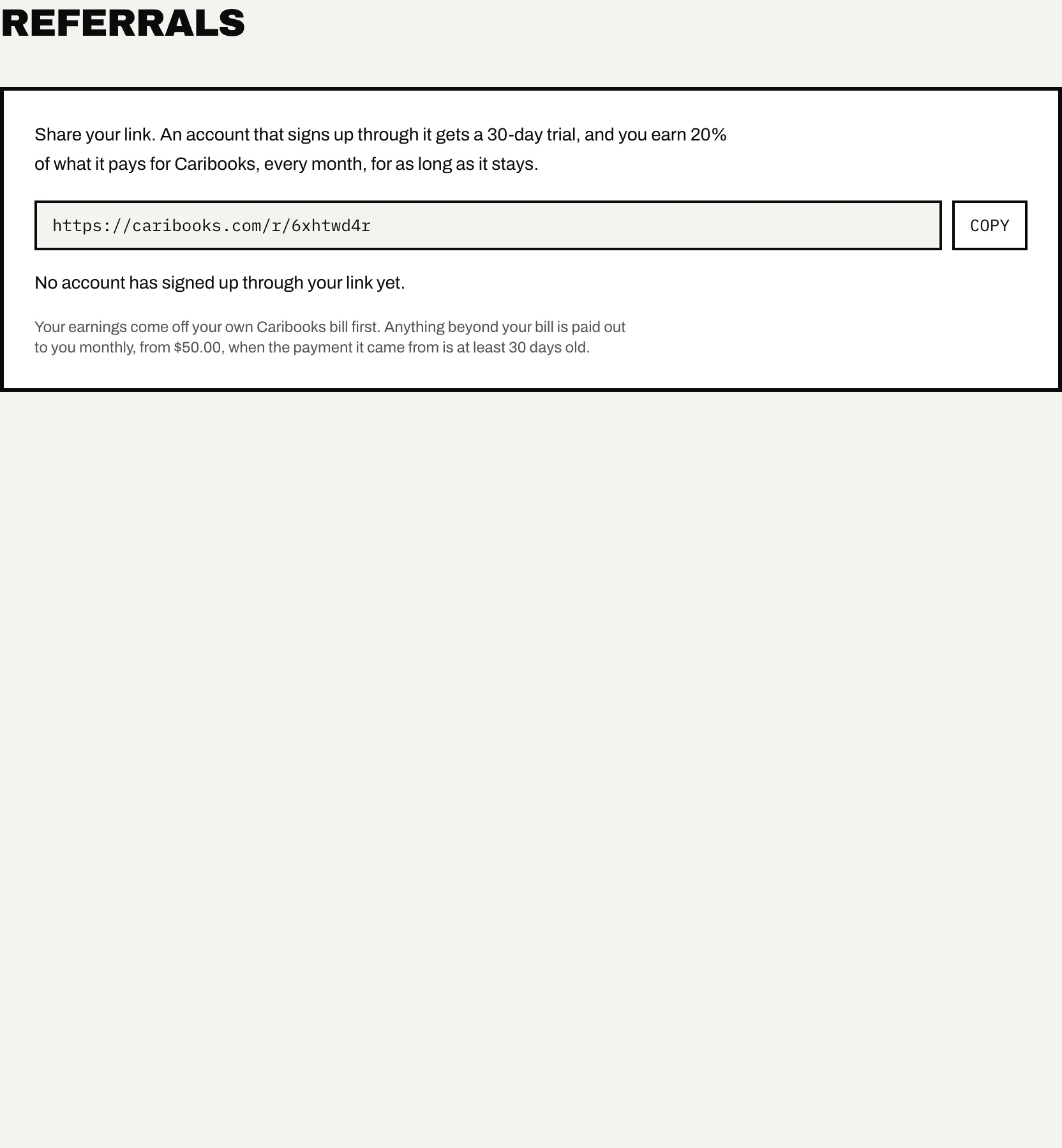
Every account has a referral link on Settings → Referrals. Someone who signs up through it gets a 30-day trial instead of 14 days, and your account earns 20% of what they pay for Caribooks, every month, for as long as they stay subscribed.
Your link
The page shows your link with a copy button. It looks like caribooks.com/r/ followed by eight letters and digits, chosen so it can be read aloud or typed from a business card without confusing 0 and O or 1 and l.
The link belongs to the account, not to one person: the owner and every team member see the same link, and whatever it earns goes to the account.
How a sign-up is counted
When someone opens your link, their browser remembers it for 90 days. If they create a Caribooks account from that browser within those 90 days, with an email link, Google or Microsoft, the new account is tied to yours at its first sign-in.
If they opened several referral links, the last one counts. The tie is permanent, one referrer per account. Someone who already had a Caribooks account does not count, and you cannot refer your own account. There is no limit on how many accounts you refer.
The page says how many accounts signed up through your link and how many of them are paying now.
The longer trial
An account that came through your link gets 30 days of trial instead of 14. As with every trial, the days start when that account connects its first QuickBooks company, and everything is included, Autopilot too. See Plans and billing.
What you earn
You earn 20% of each invoice the referred account pays for Caribooks:
- before tax, and after any discount;
- never more than what was actually paid, so an invoice settled from their own credit earns only on the part paid in money;
- for as long as they stay subscribed, with no end date.
If a payment is refunded, the commission on it is taken back.
Earnings are kept in the currency the referred account pays in, CAD or USD.
How you are paid
Your earnings come off your own Caribooks bill first. When your subscription renews, what you have earned comes off that invoice, up to its total, tax included. It shows as Credit above the Next invoice line on Settings → Billing.
Anything beyond your bill, or everything if you are not subscribed, is paid out to you monthly, once two conditions are met:
- the amount ready to pay out reaches $50;
- the payment it came from is at least 30 days old, so a refund can still cancel it first.
Two figures on the Referrals page track this:
- Earned, not yet used: everything earned and not yet taken off a bill or paid out.
- Ready to pay out: the part old enough to be paid.
For a question about a payout, write to support@caribooks.com.