Caribooks writes to you when something in a company needs you: a change to approve, a change that could not be made, a vendor or a document waiting for your answer. When nothing needs you, no email goes out. You set how often on Settings → Email summary.
What the summary contains
One email per company, in your language. The subject names the company and counts what waits, for example "Caribooks: Atelier Nord, 3 to approve, 1 not done". Inside, in this order:
- Needs you: the changes your loops propose, each with the time it was made, waiting on Approvals.
- Could not: changes that failed, with the reason, and questions a loop could not settle on its own.
- Vendors: vendors that came to need you since the last email, with the reason, such as "no mailbox connected" or "its vendor portal stopped working". See Vendors and mailboxes.
- Documents: how many documents in the document box wait for your answer.
- One line with the number of changes your loops made on their own. Changes you approved yourself are never repeated back to you.
The email ends on one button: Review and approve when changes wait, See your vendors when only vendors need you, otherwise See everything in the portal.
The summary never carries a link copied from a document or a run. A web address that came from a document shows as "(link removed)", so a phishing link inside an invoice cannot reach you through a Caribooks email. Every button goes to the portal.
When it is sent
The summary goes out once a day, early in the morning, Eastern time, and at most once per company per day. Your first summary for a new company covers the day before it; later ones cover everything since the previous email. Changes still waiting are listed whatever their age.
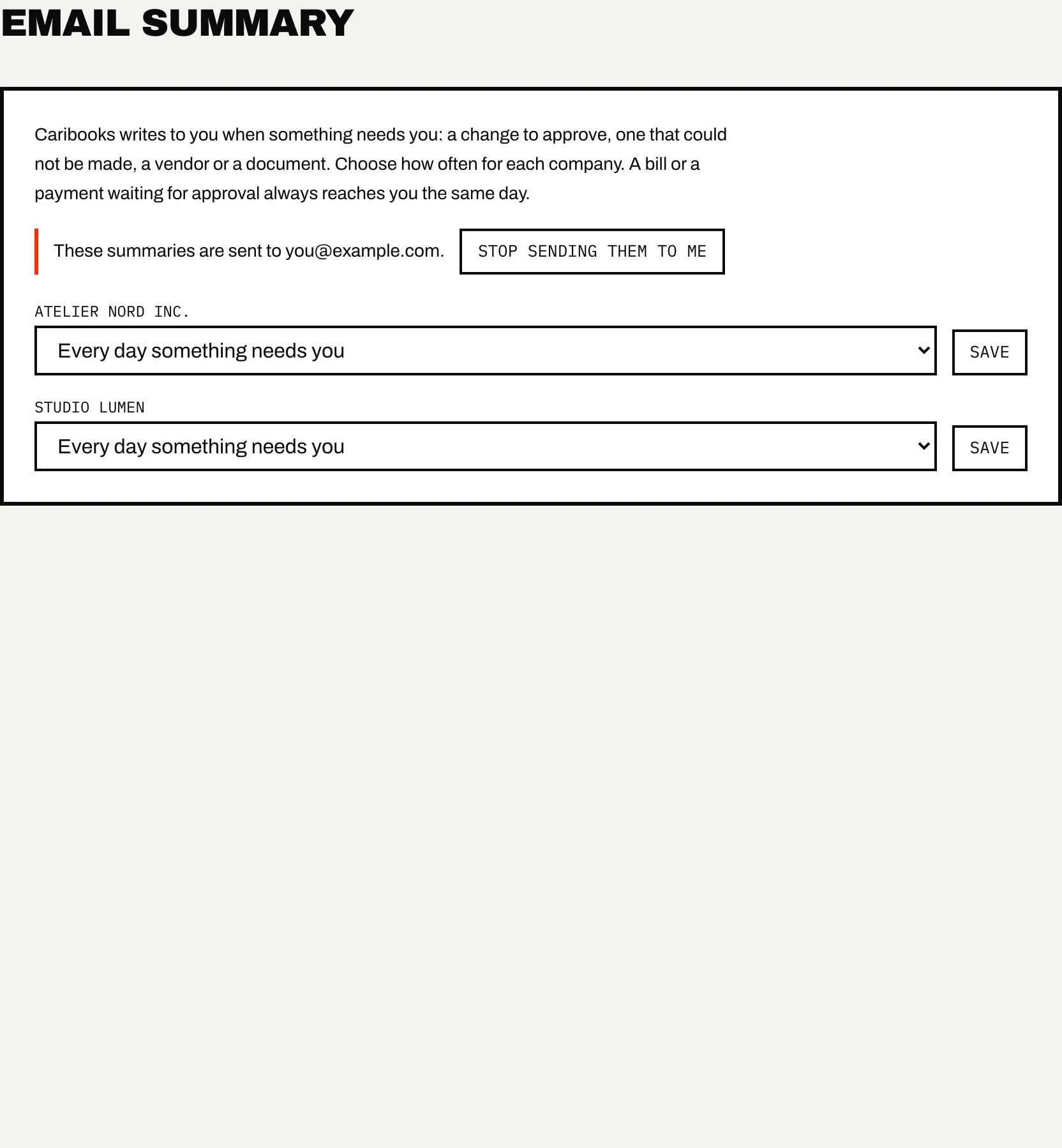
For each company, choose one of:
- Every day something needs you (the default)
- Every Monday
- Only when a bill or a payment waits
Whatever you choose, a bill or a payment waiting for your approval is always sent in that morning's email, because it holds up money.
To change it, pick the option next to the company and press Save.
Who receives it
The owner and every team member receive it. The setting per company is shared: anyone on the team can change it, and it changes for everyone.
Each person can stop the summary for themselves. At the top of the page, "These summaries are sent to" shows your address; press Stop sending them to me to turn them off for every company, and Send them to me again to undo it. This changes nothing for your colleagues.
Other emails from Caribooks
Besides the summary, Caribooks sends:
- Welcome, after your first sign-in, with the two setup steps.
- Getting-started emails in your first days: a reminder to connect QuickBooks, to add Caribooks to your assistant, or to ask it a first question; a short list of things to ask your books; and a note from Xavier if no company is connected after a few days. If your first sign-in link expired unused, a reminder to request a new one.
- Trial emails: a warning a few days before your trial ends, a notice when it ends and, later, the offer of a second trial.
- Account notices: a payment that did not go through, a connected mailbox Caribooks can no longer read, team invitations and answers to requests to join.
These go to the account owner, except a mailbox notice, which goes to whoever connected that mailbox. Members never receive the getting-started or trial emails.
Getting-started emails stop once you subscribe. To stop them sooner, use the link at the bottom of any of them ("To stop these getting-started emails") and press Unsubscribe on the page it opens; your mail program's own Unsubscribe button does the same. This stops the reminders, Xavier's notes, the trial warnings and the second-trial offer. The one-time setup tips about your assistant, the notice that your trial ended and every account notice still arrive.
The email summary is separate: it stops only with Stop sending them to me.