A skill is a set of instructions your assistant reads before it works on your books: which Caribooks tools to call, in what order, how to check the numbers and how to present the result. You upload a skill once. From then on, you ask for the work in one sentence and the assistant follows the skill. Skills are included in every plan.
Where to find them
The skills are in the portal at caribooks.com/en/portal/skills, and on the public Skills page, which lists what each one produces in detail. In the portal, each skill has a Download (zip) button and a few sentences that start it, each with a Copy button.
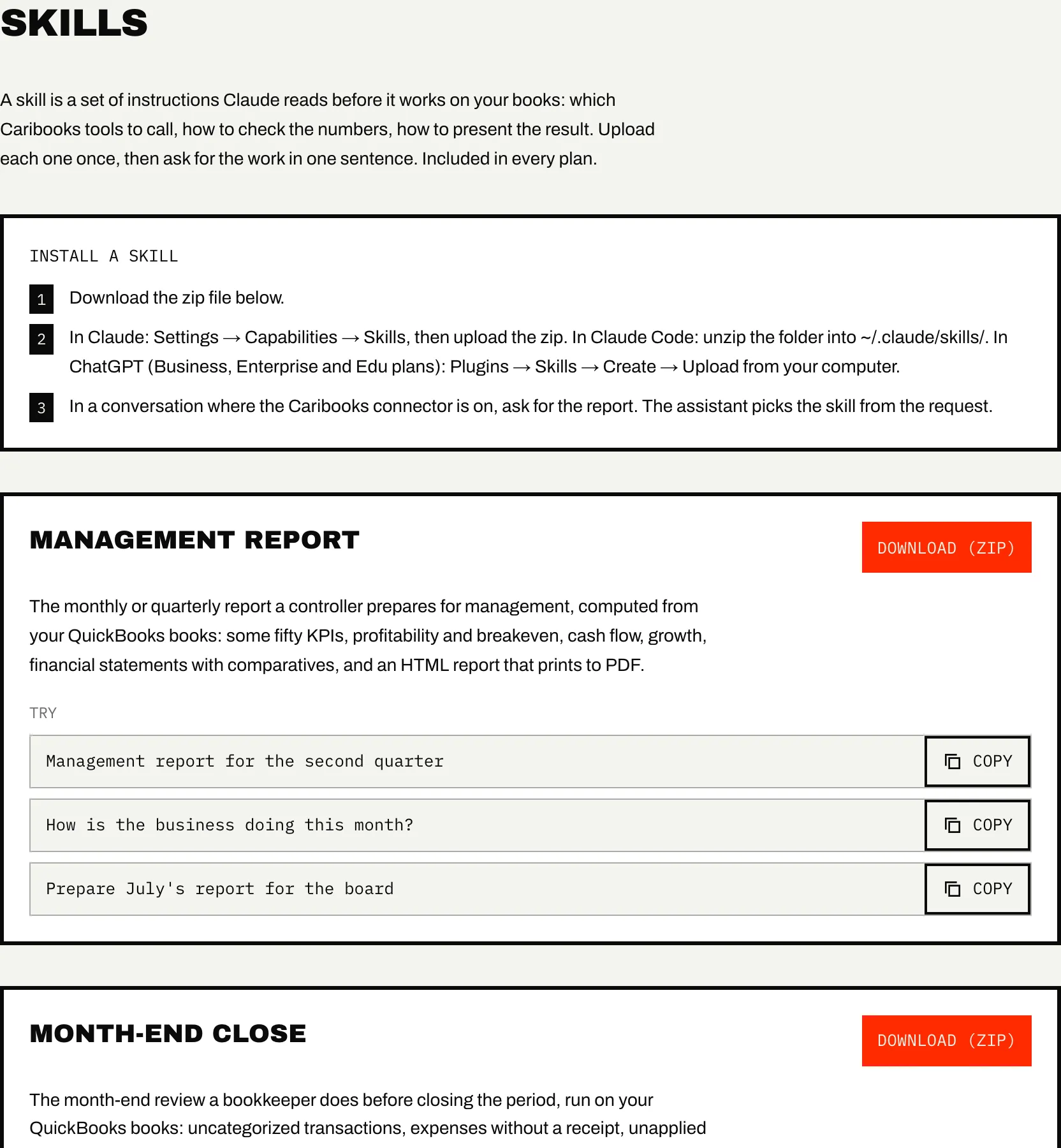
Install a skill
- Click Download (zip) under the skill.
- Upload it to your assistant:
- Claude: open Settings → Capabilities → Skills and upload the zip. In Claude Code, unzip the folder into
~/.claude/skills/instead. - ChatGPT: in the sidebar, open Plugins, then the Skills tab, then Create → Upload from your computer. ChatGPT offers skills on its Business, Enterprise and Edu plans, and checks each upload before it can be used.
- Claude: open Settings → Capabilities → Skills and upload the zip. In Claude Code, unzip the folder into
- In a conversation where the Caribooks connector is on, ask for the work. The assistant picks the skill from your request.
Repeat for each skill you want.
Management report
The monthly or quarterly report a controller prepares for management, computed from your QuickBooks books:
- a summary of some fifty indicators (margins, liquidity, receivable and payable days, debt, returns), each against the prior period and the same period last year;
- profitability: breakeven point, margin of safety, top revenue and cost accounts;
- cash flow, reconciled to the change in cash;
- profit and loss and balance sheet with variances and percentages;
- a breakdown by class or department, and receivables and payables aging.
Every figure is checked against QuickBooks' own totals before it is shown, and the report prints to PDF. The assistant first shows how it classified each account (fixed or variable cost, debt, interest, depreciation). Correct that list before you read the numbers, since the whole report rests on it.
Try: "Management report for the second quarter", "How is the business doing this month?"
Month-end close
The review a bookkeeper does before closing a month:
- a close checklist, each item done, to do or not applicable, with the transactions behind it;
- likely duplicate bills (same vendor, same amount, within seven days);
- catch-all accounts to empty: uncategorized, ask my accountant, opening balance equity;
- this month's profit and loss against last month, line by line, past a threshold you set;
- entries changed after month end, and bank and card lines still unreconciled;
- a numbered list of questions for the owner, ready to send.
The assistant pulls, compares and flags. Bank reconciliation stays a QuickBooks screen, and materiality, cut-off and accruals stay your call.
Try: "Month-end close for August", "What is blocking the July close?"
Accounts payable run
A week's payables pass:
- bills due in the next 14 and 30 days, against each bank account's balance;
- likely duplicates and unusual bills: round amounts, new vendors, weekend dates, jumps against history;
- open bills with no document attached, to chase with the vendor;
- a proposed payment batch, approved line by line in the conversation;
- with full access, a bill entered from the vendor's PDF, with its lines and tax, and the PDF attached.
Nothing is recorded without your yes on each line, and recording a bill payment moves no money: you still pay at the bank. On a read-only company, the run stops at the proposed batch.
Try: "This week's payables run", "What do we owe by the 15th?", "Enter this vendor bill from the PDF."
Other connectors
A skill also uses the other connectors you have in your assistant when it finds them in the conversation: Gmail or Microsoft 365 for mail, Google Drive, OneDrive or SharePoint for files. The month-end close uses mail to find the receipt behind an undocumented expense and files for bank statements; the payables run uses them to find a vendor's invoice or the PDF to enter a bill from. In Claude, add them under Settings → Connectors. The management report needs nothing but QuickBooks.
What a skill needs from Caribooks
A connected company is enough for the management report and the month-end close, read-only included. The payables run needs full access only to record payments and enter bills. See Access and confirmations.