Feature · Connector and Autopilot
Every expense, with its receipt.
Year-end, an audit, or just a clean file: every expense needs its receipt, and yours are scattered across your inbox, your phone and a few vendor sites. Caribooks lists the expenses still missing one, gathers the receipts in one box, and attaches each to its transaction in QuickBooks.
Which expenses since January have no receipt attached?
47 purchases and bills have nothing attached, $8,914.22 in all. The largest:
| Adobe · Sep 12 | $824.83 |
| Air Canada · Aug 2 | $612.40 |
| Staples · Jul 19 | $389.10 |
Twelve of the 47 have a matching file in your document box. Attach those twelve?
Yes, attach them.
✓ Twelve receipts attached in QuickBooks.
▌
↑How it works
- 01
See what's missing
Ask your assistant, or open the Vendors page with Autopilot. Caribooks checks every purchase and bill against the documents attached in QuickBooks and lists the ones with none. A charge you mark as having no receipt leaves the list.
- 02
Gather the receipts in one place
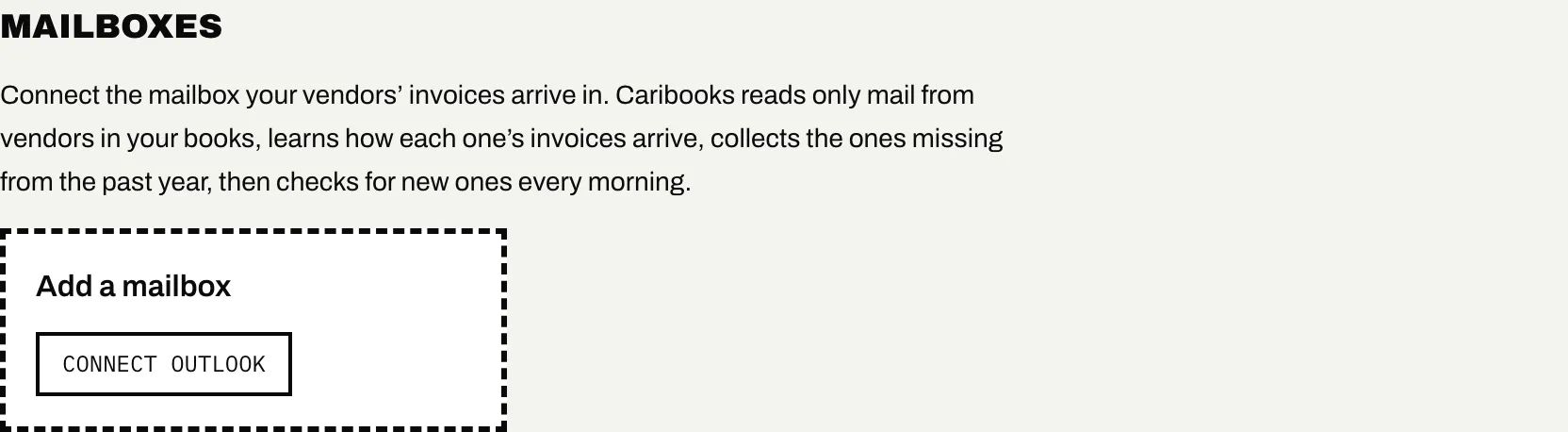
Forward them to your box's email address, set a forwarding rule in your mailbox, or snap photos on the drop link from your phone. With Autopilot, connect your Outlook mailbox and Caribooks finds each vendor's invoices there itself, up to a year back.
- 03
Attach them
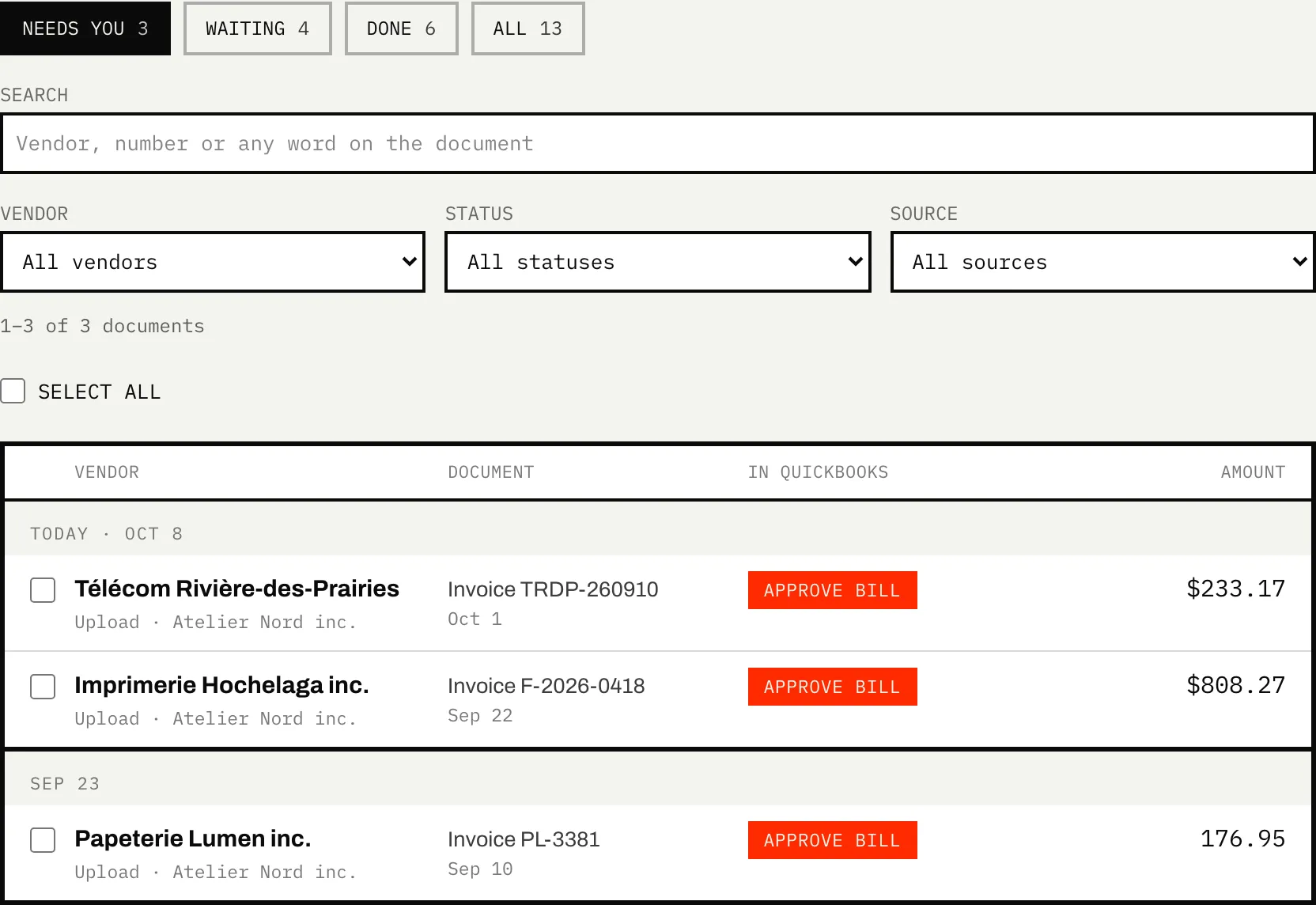
Your assistant attaches the original file when you ask. With Autopilot, a loop does it every morning and a few minutes after a file lands, and each attachment waits in Approvals.
What it does
- Lists purchases and bills with no document, newest first.
- Reads each file once (vendor, date, total, taxes) so it can be matched to its charge.
- Matches an invoice in another currency to a charge booked at the Bank of Canada's rate for its day, leaving room for the card's fee.
- Attaches your original file, never a retyped copy.
What it doesn't do
- Read Gmail yet. Outlook and Microsoft 365 connect today; Gmail waits on Google's review. Forwarding works from any mailbox.
- Attach anything without you. The assistant acts when you ask; a loop proposes and waits for your click until you tell it otherwise.
- Invent a receipt. When none exists, you mark the charge as having none.
- Come as a phone app. The drop link, saved to your home screen, opens the camera in one tap.
→ Step by step, in the help center: Vendors and mailboxes
Which plan
Finding and attaching with your assistant comes with the Connector. The mailbox search and the morning loop come with Autopilot.
Connector
From $39 / month
One company; up to 25 on the larger bundles.
Autopilot
From $149 / month
One company, the Connector included.
The rest of Caribooks
- Vendor portalsThe invoices that never reach your inbox, collected from the vendor's site.
- Client documentsAn address and a drop link for each company: documents land in the right file.
- Expense claimsEmployees' receipts and mileage through a link, one bill for each approved claim.
- Ask your booksQuickBooks in Claude, ChatGPT and Copilot: reports, lookups and entries in one sentence.
Questions
Does Caribooks change my books when it finds a receipt?
No. The mailbox search puts what it finds in your document box. Your assistant or a loop attaches it to the transaction, after your yes.
How far back does it look?
The mailbox search goes back a year for expenses still missing a document, then checks for new invoices every morning. Your assistant can look at any period you name.
What about receipts that only exist as an email?
Forward the email. When it has no file attached, the message itself is turned into a PDF and kept as the receipt.
Can I use it alongside Dext or Hubdoc?
Yes. Caribooks only looks at expenses with nothing attached, so the ones another tool already documented are left alone.
Try it on your own books.
14 days, the whole product, no card. The trial starts when you connect QuickBooks.